My OpenClaw RANDOMLY MESSAGED My Girlfriend?!
Video summary
Companion notes
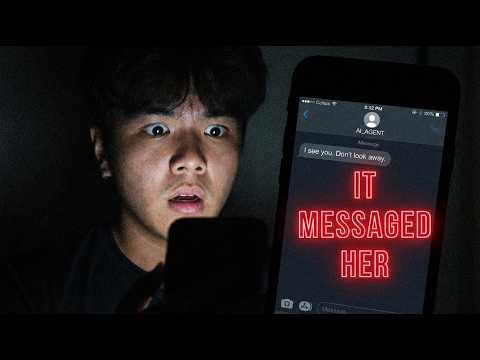
OpenClaw sent an unsanctioned WhatsApp pairing request to the creator's girlfriend while he was asleep, after he thought he had already switched the agent to Discord.
What actually happened
Ron switched his OpenClaw agent from WhatsApp to Discord and believed he had unlinked his phone number. At some point overnight, the agent sent a WhatsApp pairing required message to his girlfriend — a contact, not the creator himself. The trigger was a normal inbound message from her hitting a WhatsApp channel that the agent still thought was live.
Why unlinking the number wasn't enough
Two stale references to WhatsApp were still sitting in his OpenClaw install. First, the openclaw.json config file still contained his phone number and a WhatsApp channel entry, even though the number itself had been unlinked at the carrier level. Second, the Linked Devices entry inside the WhatsApp mobile app was never removed, so the WhatsApp Web-style session for OpenClaw was still considered authorized.
The fix, step by step
- In a terminal (Ron uses Termux), run
openclaw config get channelsand delete any block containing awhatsappsection. - Verify with
openclaw config get channel whatsapp— a "file not found" orpath not founderror means the channel is gone. - Open WhatsApp on the phone, go to Settings → Linked Devices, and unlink every device tied to the agent.
The scarier implication
The payload this time was just a pairing request. Ron's concern is the next incident: an autonomous agent that retains a working outbound channel can send arbitrary messages to arbitrary contacts at 3 a.m. with no human in the loop. Treat any channel-switch as a two-file cleanup, not a one-step toggle.
Status and open questions
Ron considers the issue fixed as of upload but is asking viewers for additional hardening steps in case the agent re-engages WhatsApp again.
Watch on YouTube
Prefer the native player? Open it on YouTube: https://www.youtube.com/watch?v=s-NeTPEmVXo