OpenClaw + API Guide (Step-by-Step)
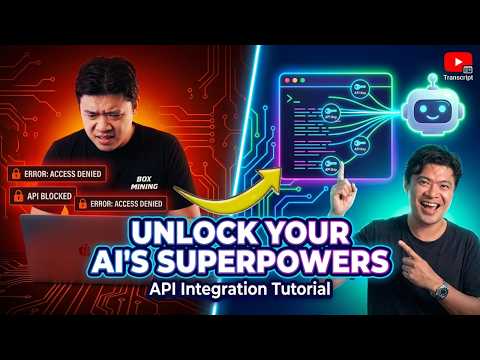
Video summary
Companion notes
Adding an API to OpenClaw is a 3-step loop: paste docs, hand over the token, and tell the bot to build a skill.
The Use Case
The example: auto-generate YouTube video descriptions and timestamps via transcripts.io. The creator notes that native agent web-fetching often fails — websites block your agents, citing Coin Gecko charging for crypto price data and X/Twitter being horrible for bots.
The Setup Process
Sign up at youtubetranscripts.io on a free plan, copy the API token, and find the API documentation page. Paste that documentation directly into the chat with a prompt like read up on this API documentation and make a skill to fetch transcripts. Drop the API token into the OpenClaw .env file — the creators say models are trained not to reveal what's in the environmental folder. Run a test fetch to confirm the skill works, then save it as a persistent skill so future requests auto-trigger it.
The Live Failure
Recording one-shotted, the demo broke. Banner (running Opus) hit a Cloudflare block on the documentation Markdown upload, errored mid-task, and started responding in Chinese. A parallel bot named Stark — already trained on this API — completed the same job instantly and proactively returned a summary. Banner later claimed success but delivered results incorrectly, and the creator suspects it backing off into another model maybe he's backing off into Miniaax on the backend.
What The Creators Actually Recommend
Repetition over genius: don't give up and even if it succeeds, repeat it again just to make sure. If the bot loops, start a new session. Treat the API integration as iterative debugging, not a one-shot config. Subscribe before the next video where the working version is re-recorded.
Watch on YouTube
Prefer the native player? Open it on YouTube: https://www.youtube.com/watch?v=2YPV2OmPZyo